

What if no one, not the app, not the server, and not even the company, can read your messages?
That’s what end-to-end encryption does: it scrambles messages on your device so only the recipient can unlock them.
This post shows how that scrambling actually works, why servers see only gibberish, and what could still leak metadata.
Along the way I’ll explain how keys are made, how apps verify who you’re talking to, and simple steps to check your chats are truly protected.
Core Explanation of End-to-End Encryption Mechanics
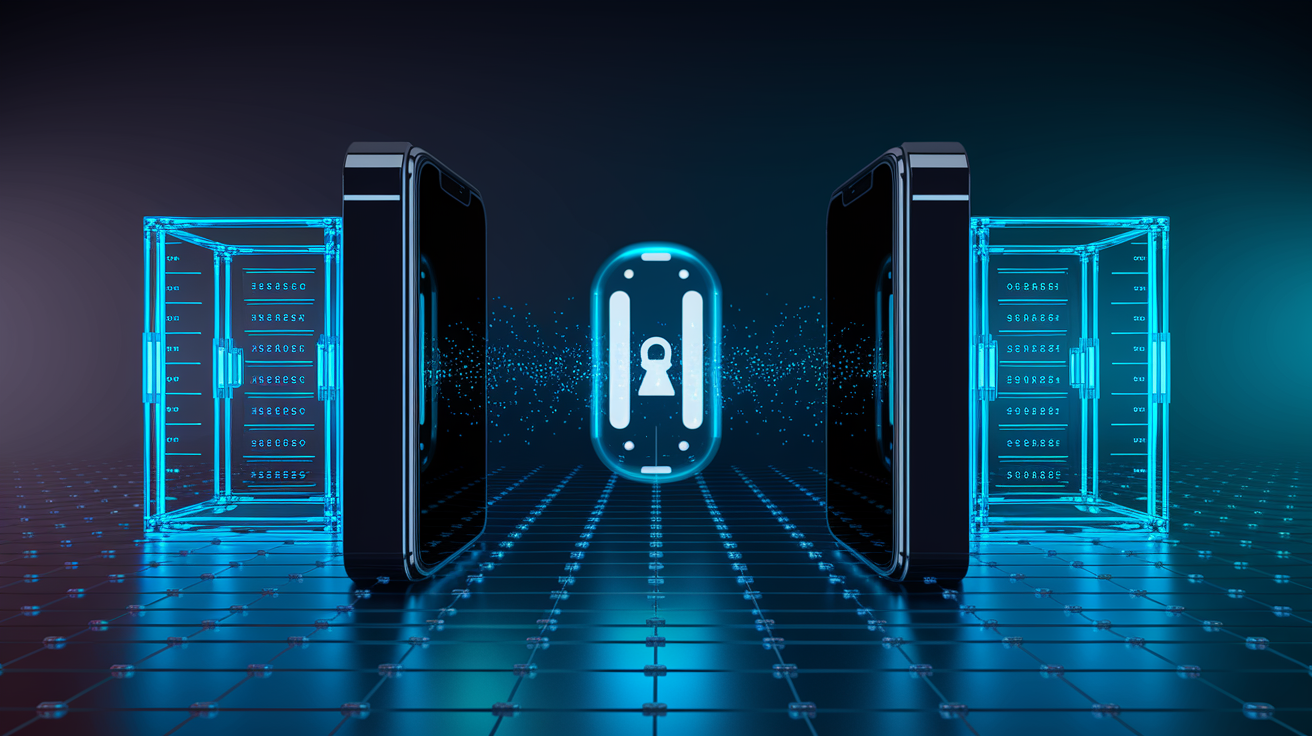
End-to-end encryption means only you and the person you’re talking to can read what gets sent. No one in between can decrypt it. When you type a message and hit send, your app scrambles it into ciphertext right there on your device using cryptographic keys. That scrambled data moves through the internet, bounces through the messaging service’s servers, and lands on your recipient’s device, where it gets unlocked and turned back into readable text. The key part: those servers relaying your message never have the keys to decrypt anything. Even if they’re hacked or forced to hand over data, an attacker just gets meaningless noise.
This flips the usual model. Most online communication uses transport encryption (HTTPS) to protect data while it’s traveling between you and a server, but the server can read everything once it arrives. End-to-end encryption removes that trust requirement. The messaging provider becomes a blind courier, moving packets it can’t open. Your private key stays locked on your phone or computer. Never uploaded, never shared. Only devices with the matching private keys can reverse the encryption and see the original message.
The whole thing runs automatically in the background every time you send a text, photo, voice note, or video call. Here’s the basic flow:
- Encryption on sender device – Your app uses the recipient’s public key and a session key to encrypt the message into ciphertext.
- Transmission – The encrypted message gets sent over the internet to the app’s servers.
- Server relay – Servers forward the ciphertext without decrypting it (they don’t have the private key).
- Delivery to recipient – The ciphertext arrives at the recipient’s device.
- Decryption on recipient device – The recipient’s private key and session key unlock the message, bringing back the original plaintext.
Messaging apps handle key management, session setup, and cipher operations without you needing to understand the math. The result feels instant and normal, but every word is protected by multiple layers of cryptographic armor.
Key Pair Generation and Cryptographic Foundations
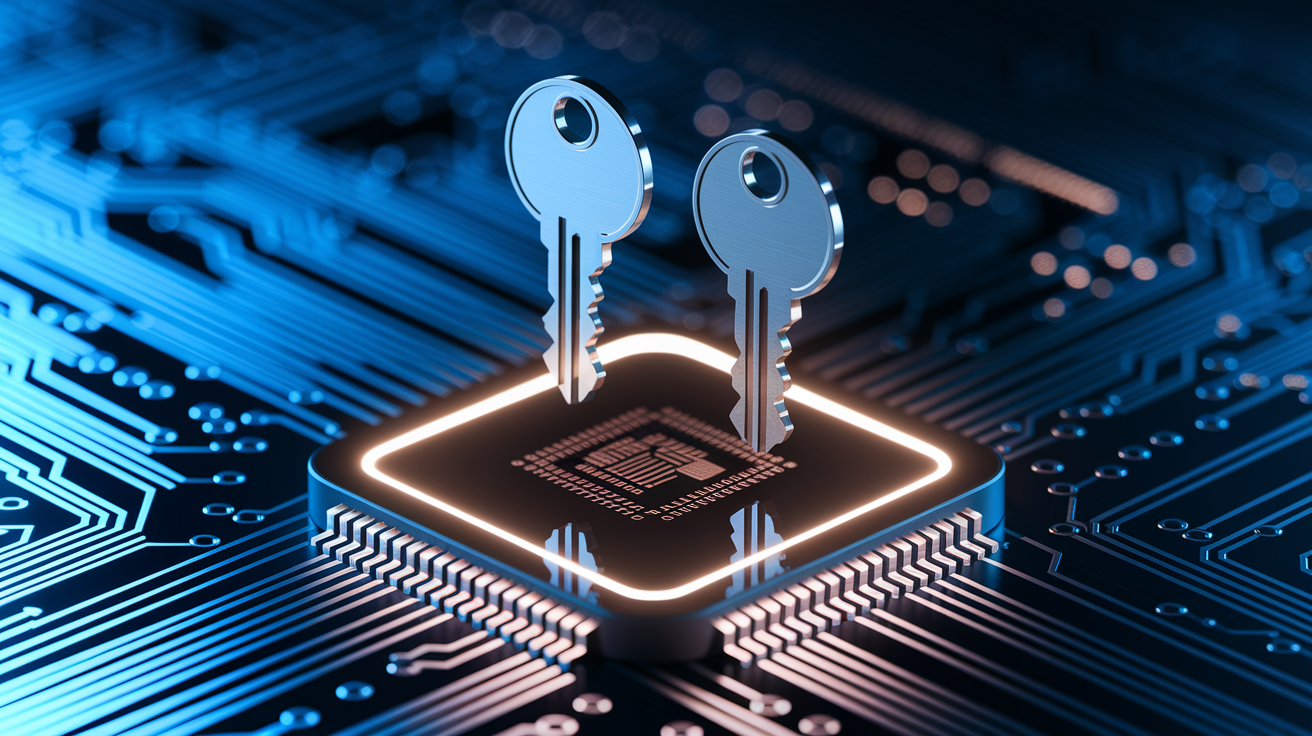
Asymmetric cryptography is the foundation here. It relies on pairs of mathematically linked keys: a public key you can share with anyone, and a private key that never leaves your device. When you install a messaging app, it generates a unique key pair for your device using algorithms like Elliptic Curve Diffie-Hellman (often X25519). The public key gets uploaded to the service’s key server so your contacts can grab it. The private key stays stored in your phone’s secure enclave or encrypted storage, protected by your passcode or biometrics. This separation makes the system secure. Encrypting with a public key produces ciphertext that only the matching private key can unlock.
Asymmetric encryption alone is too slow to encrypt every message in a fast conversation, so apps mix it with symmetric encryption. The public/private key pair gets used during a key exchange to create a shared secret (a session key), and that session key encrypts the actual message content using fast symmetric algorithms like AES or ChaCha20. Both sides calculate this shared secret independently without transmitting it. This hybrid approach gives you the security of asymmetric cryptography for authentication and key agreement, plus the speed of symmetric ciphers for bulk data.
Key properties that make this work:
- Public keys are safe to distribute – Anyone can have your public key. It only allows encryption, not decryption.
- Private keys must stay secret – If a private key gets compromised, an attacker can impersonate you or decrypt messages meant for you.
- Key pairs are device-specific – Each phone, tablet, or desktop session typically has its own pair, supporting multi-device setups.
- Mathematical binding – The keys come from the same seed, so data encrypted with one can only be decrypted by the other.
Secure Key Exchange Protocols
Before any encrypted conversation starts, devices need to verify they’re talking to the right person and not an imposter who swapped out the public key. Messaging apps use authenticated key exchange protocols. Signal uses X3DH (Extended Triple Diffie-Hellman) to confirm identity and derive session keys in a single round trip, even if the recipient’s offline. When you first message someone, your app fetches a bundle of their public keys (identity key, signed pre-key, and one-time pre-keys) from the server, then runs a series of Diffie-Hellman calculations to produce a shared secret both sides can compute independently. The pre-keys are signed by the recipient’s long-term identity key, so your device can verify authenticity before accepting the session.
To guard against man-in-the-middle attacks, apps display safety numbers or key fingerprints. These are short codes derived from both users’ identity keys. If you and your contact compare these codes out of band (by voice call, in person, or via QR scan), you confirm no one intercepted and replaced keys during the exchange. Without this verification step, you’re trusting the server to deliver honest keys. That’s usually safe but not cryptographically guaranteed. Many people skip verification for convenience, accepting a “trust on first use” model. But high-security conversations benefit from the extra check.
Detailed Message Flow in Encrypted Messaging Apps
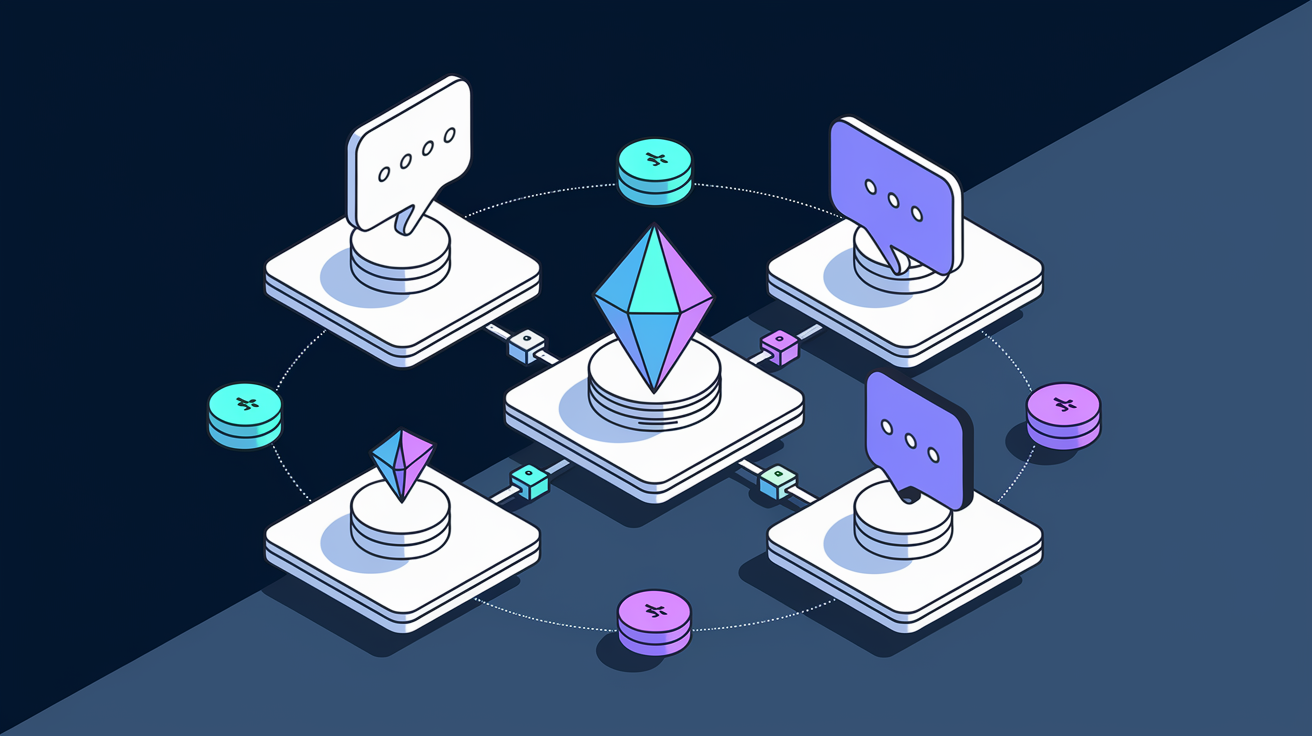
When you tap send, the app runs a precise sequence of cryptographic operations in milliseconds. Here’s the full journey from plaintext to ciphertext and back:
- Compose the message – You type text, attach a photo, or record audio. The app holds this in plaintext in memory.
- Retrieve or derive session key – The app uses the current session key (already established via key exchange) or ratchets forward to generate a new ephemeral key for this message.
- Encrypt the payload – The plaintext gets encrypted with a symmetric cipher (like AES-GCM or ChaCha20-Poly1305) using the session key, producing ciphertext plus an authentication tag.
- Add message metadata – The app wraps the ciphertext in a header containing key identifiers, message counters, and the authentication tag. Metadata like sender ID and timestamp get added by the transport layer, often unencrypted.
- Transmit to server – The encrypted message is sent over TLS to the app’s servers, which see only the ciphertext and routing metadata.
- Server stores and forwards – The server queues or pushes the message to the recipient’s device(s), treating it as an opaque blob.
- Recipient decrypts locally – The recipient’s app fetches the message, looks up the session key using the header, verifies the authentication tag, and decrypts the ciphertext back to plaintext.
This design keeps intermediaries from touching unencrypted content. The server acts like a postal service handling locked boxes. It knows the sender, the destination, and the time of delivery, but it has no key to open the box and read what’s inside. Even if a government demands server records or hackers breach the database, all they get is a pile of ciphertext that’s computationally infeasible to crack without the recipient’s private key. The separation of encryption (endpoint) from transport (server) is the core promise of end-to-end encryption.
Examples of End-to-End Encryption in Popular Apps
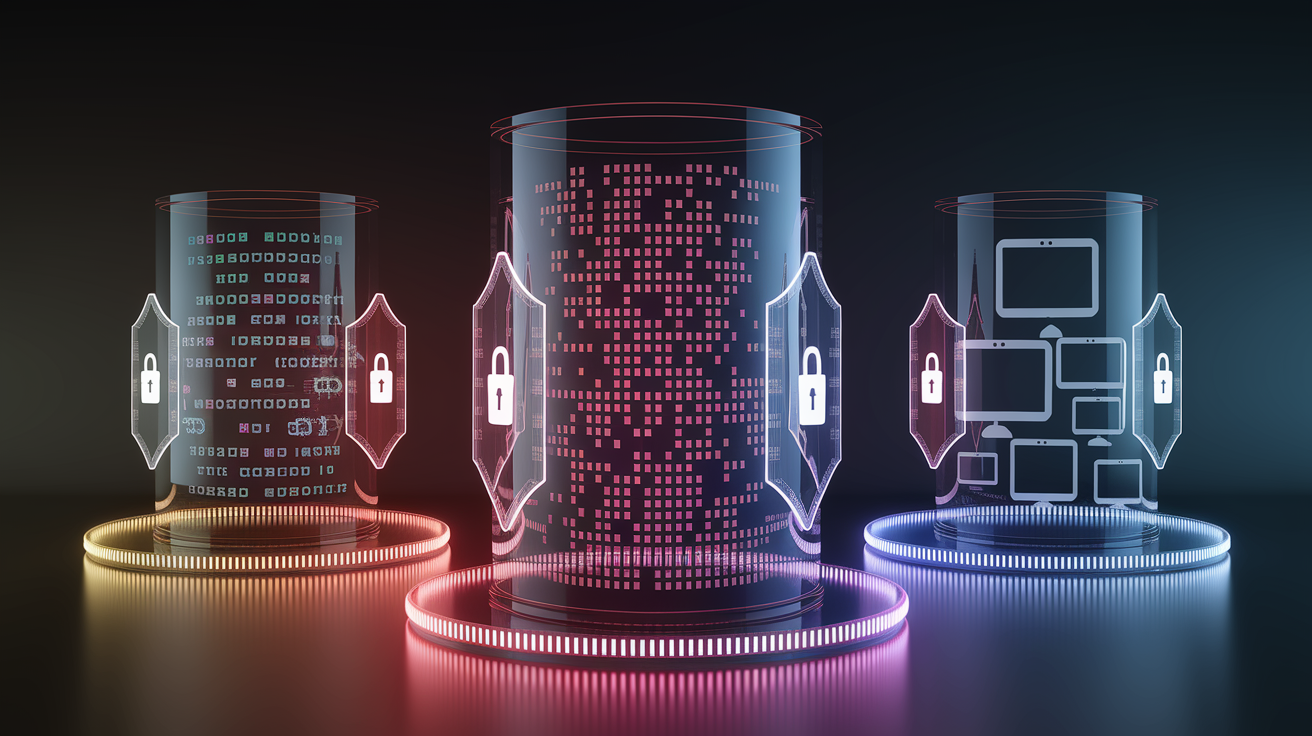
Signal is the gold standard for end-to-end encrypted messaging, developed by Signal Messenger and distributed as open-source software. It uses the Signal Protocol, which combines X3DH for initial key agreement and the Double Ratchet algorithm for ongoing message encryption. Every message gets a unique ephemeral key, providing forward secrecy (past messages stay secure even if today’s keys are compromised) and post-compromise security (future messages re-secure if you regain control). Signal encrypts text, voice calls, video calls, and file attachments by default, with no option to disable encryption. The server architecture is designed to store minimal metadata. Sender, recipient, and timestamp are logged only long enough to deliver the message.
WhatsApp implemented the Signal Protocol in 2016, bringing end-to-end encryption to over 2 billion users. Messages, calls, photos, videos, documents, and status updates all get encrypted on-device before transmission. WhatsApp’s scale required engineering optimizations for group chats (using pairwise keys and sender keys for efficient broadcast), but the core cryptographic guarantees match Signal’s. One difference: WhatsApp is closed-source and owned by Meta, so you have to trust the company’s implementation and server practices. Cloud backups on iOS and Android aren’t end-to-end encrypted by default unless you enable the optional encrypted backup feature introduced in 2021. That means unencrypted chat histories can sit in iCloud or Google Drive.
iMessage, Apple’s messaging platform, uses a distinct end-to-end encryption system built around identity keys registered with Apple’s servers and per-message keys derived for each conversation. When you send an iMessage, your device retrieves the recipient’s public keys, encrypts the message for each of their registered devices individually, and uploads the encrypted payloads to Apple’s push notification servers for delivery. iMessage encrypts text, photos, videos, and voice messages between Apple devices, but falls back to unencrypted SMS when messaging Android phones. Apple holds the key directory and can add devices to accounts. In theory this allows account recovery, but it also represents a trust point. You’re relying on Apple not to inject rogue keys.
| App | Protocol Used | Notable Features |
|---|---|---|
| Signal | Signal Protocol (X3DH + Double Ratchet) | Open-source, minimal metadata, forward secrecy, always-on E2EE |
| Signal Protocol | Massive scale, group optimizations, optional encrypted backups | |
| iMessage | Apple proprietary E2EE | Per-device encryption, seamless Apple ecosystem, SMS fallback |
Visualizing Encryption with Diagrams and Examples
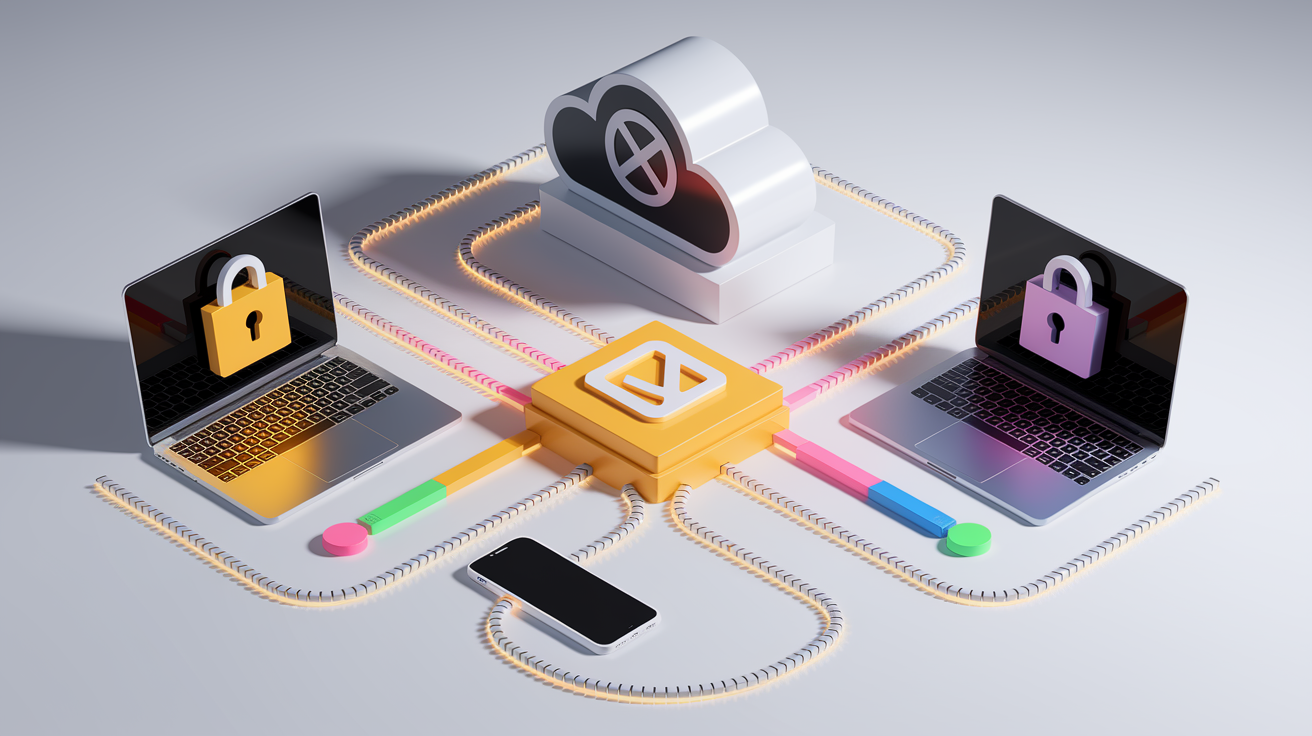
Encryption diagrams turn abstract cryptographic concepts into concrete visual flows that show who holds which keys, where data gets scrambled, and where it’s readable. A typical sender-to-recipient sequence diagram starts with a plaintext message box on the left (sender’s device), an arrow labeled “encrypt” pointing to a locked padlock icon or ciphertext blob, a middle relay box representing the server (shown as unable to unlock the data), another arrow labeled “forward,” and finally an arrow labeled “decrypt” leading to a second plaintext message box on the right (recipient’s device). These visuals emphasize that the server in the middle sees only scrambled bytes, reinforcing the idea that no intermediary can read content.
More detailed diagrams layer in key exchange steps: arrows showing public key retrieval from a key server, Diffie-Hellman calculations on both sides producing a shared secret, derivation of session keys, and then the symmetric encryption of the message payload. Color-coding helps. Public keys might be green, private keys red, session keys blue, plaintext yellow, and ciphertext gray. Annotations mark where data is vulnerable (plaintext on devices, in memory, or in backups) versus where it’s protected (in transit, at rest on servers). The lock-and-key metaphor is universal: a closed padlock over ciphertext signals “protected,” an open padlock over plaintext signals “readable.”
Common elements that encryption diagrams include:
- Device icons (phone, laptop) showing where plaintext exists and where decryption happens.
- Server or cloud symbol in the middle, labeled “cannot decrypt” or showing a crossed-out key.
- Key icons (public, private, session) with arrows indicating which key gets used at each step.
- Ciphertext representation (jumbled characters, binary blocks, or a locked box) to show encrypted data in transit.
- Timeline or sequence arrows illustrating the order of operations from message creation to delivery.
Limitations and Challenges of End-to-End Encryption
End-to-end encryption protects message content, but it doesn’t hide metadata. The information about who’s talking to whom, when, how often, and how much data gets exchanged. Servers log sender and recipient identifiers, timestamps, message sizes, and IP addresses to route traffic and manage delivery. Law enforcement, intelligence agencies, or hackers who compromise servers can map social networks, track communication patterns, and infer relationships even without reading a single word. Metadata can reveal that you messaged a journalist at 2 a.m. before a sensitive story broke, or that an activist group coordinated in the hours before a protest. In many legal systems metadata collection requires lower judicial thresholds than content interception.
Device-level compromise bypasses encryption entirely. If malware, spyware, or a physical attacker gains access to your phone or computer, they can read messages in plaintext before encryption or after decryption, screenshot conversations, log keystrokes, or steal private keys. Encryption protects data in transit and at rest on servers, but it assumes endpoints are secure. Cloud backups (often enabled by default on iOS and Android) can store chat histories in iCloud or Google Drive without end-to-end encryption unless you explicitly opt into encrypted backup features. A backup compromise or legal demand to the cloud provider can expose entire message histories, nullifying the protection E2EE provides in transit.
Usability and multi-device complexity introduce additional risks. Many people skip key verification, trusting the server to deliver honest public keys and opening a window for man-in-the-middle attacks if the provider gets compromised or compelled. Adding a new device often requires re-establishing session keys. Some apps allow account recovery via SMS or email, which attackers can hijack. Group chats multiply the attack surface. Every member’s device has to be secure, and a single compromised participant can leak the entire conversation.
Major limitations to keep in mind:
- Metadata exposure – Servers and network observers see who, when, and how much, even if they can’t read what.
- Endpoint vulnerabilities – Device malware, stolen phones, or weak passcodes let attackers access plaintext directly.
- Backup and recovery trade-offs – Convenient cloud backups often sacrifice encryption, and account recovery mechanisms can be exploited.
Final Words
You saw how end-to-end encryption turns a readable message into ciphertext on your device, how public/private key pairs are created, and the full send–encrypt–relay–decrypt flow in simple steps.
We also compared Signal, WhatsApp, and iMessage, sketched diagrams, and flagged limits like metadata and risky backups. If you still wonder how does end-to-end encryption in messaging apps work, the short answer is: only endpoints can decrypt messages, so choose apps with strong end-to-end encryption and keep your devices updated. You’re better equipped to pick and protect your conversations.
FAQ
Q: Why would someone turn on end-to-end encryption on Messenger, and is it better to have end-to-end encryption on or off?
A: Turning on end-to-end encryption on Messenger keeps message content readable only by you and the recipient. It’s generally better to keep E2EE on unless you need server features like cloud backups or message search.
Q: What is the most secure end-to-end messaging app?
A: The most secure end-to-end messaging app is widely considered to be Signal, thanks to its open-source Signal Protocol, minimal metadata collection, forward secrecy, and independent audits.
Q: How do you know if your texts are encrypted?
A: You know your texts are encrypted if the app shows a padlock or “end-to-end encrypted” label, displays a security code or verified contact, or settings confirm encryption is enabled.