

Picking earbuds by the box art is a fast way to get burned.
Manufacturers often overstate battery life by about 20 percent and gloss over fit, mic performance, and codec compatibility.
This guide cuts through the hype.
You’ll get the handful of specs that actually change your daily use, including sound tuning, real-world battery, fit and tips, Bluetooth and codec support, ANC and transparency, and durability.
Read on to learn the quick checks to do before you buy so your next pair lasts longer, stays put, and sounds better.
Key Buying Factors to Prioritize When Choosing True Wireless Earbuds
Shopping for earbuds means juggling a bunch of different specs before you spend money. You’ve got sound quality, battery life, comfort, Bluetooth stability, water resistance, codec support, active noise cancellation, microphone performance, charging case capacity, and whether the brand’s actually reliable. Skip even one and you’re stuck with earbuds that die halfway through your flight, fall out during your run, or let you hear every single subway screech despite the “premium ANC” sticker.
Concrete numbers cut through the hype. Frequency response around 20 Hz to 20 kHz is standard, driver sizes typically land between 6 and 12 mm, and total harmonic distortion should sit under 0.5 percent. Battery life varies wildly—expect 4 to 12 hours per earbud charge, with the case adding another 15 to 40 hours. Fast charge matters more than you’d think: 5 to 15 minutes plugged in should hand you 1 to 3 hours of playback. Bluetooth 5.0 or newer is baseline, with about 10 meters of indoor range. Codecs climb from basic SBC to AAC, aptX, and LDAC for better fidelity. Water resistance ratings run from IPX4 (sweat protection) to IPX7 (brief dunking). ANC usually knocks down low-frequency noise by 15 to 30 dB, and most modern buds pack 2 to 4 mics per side. Prices stretch from under 50 bucks to over 400, and yeah, you can hear the difference.
Ignore these details and you’ll regret it. You might wind up with earbuds that quit mid-commute, slip out during workouts, or sound muddy because your phone doesn’t even talk to the codec stamped on the box. Checking real specs and actual performance reviews keeps you from buying the wrong pair just because the packaging looks slick.
Key stuff to compare across models:
- Sound tuning and driver quality: frequency response range, distortion levels, EQ customization in the app.
- Fit and comfort: weight per earbud (shoot for 4 to 8 grams), variety of tips, wing or fin options for stability.
- Battery endurance: hours per charge, case top-ups, fast-charge capability.
- Connectivity: Bluetooth version (5.0 or higher), multipoint pairing, supported codecs.
- Microphone quality: mic count, beamforming tech, environmental noise cancellation, wind handling.
- Durability: IP rating that matches your use (IPX4 minimum for sweat, IPX5 to 7 for sports).
- Case features: total capacity in mAh, wireless charging, USB-C standard, extras like power-bank mode.
- Price-to-value balance: match features to your budget tier, verify warranty length and return policy.
Assessing Sound Quality Features in True Wireless Earbuds
Frequency response specs usually list 20 Hz to 20 kHz, which is the human hearing range, but that tells you almost nothing about how the earbuds actually sound. Driver size runs from 6 mm to 12 mm. Bigger drivers can push more air for deeper bass, but a well-tuned 7 mm driver can outperform a sloppy 12 mm unit any day. Total harmonic distortion measures how much unwanted noise sneaks into the signal. Aim for less than 0.5 percent; premium models hit below 0.1 percent for clean, accurate playback. Soundstage and imaging describe how well you can locate instruments or voices in space, which is harder to pull off in tiny earbuds than over-ear headphones, but good tuning and driver placement help. Dynamic drivers deliver punchy bass and wide frequency range, while balanced-armature drivers excel at mid and high detail but often need a hybrid design to cover lows. Some models, like the LG Tone Free, use brand-name audio processing (Meridian in that case) to enhance tone. The Sennheiser Sport uses 7 mm drivers tuned for active use.
Software tuning and EQ customization matter just as much as hardware. Lots of earbuds ship with companion apps offering preset sound profiles like bass boost, vocal clarity, balanced, or full parametric EQs you can adjust yourself. Hardware sets the ceiling, but software determines whether you actually enjoy the sound signature out of the box. If the app’s clunky or the EQ lacks fine control, you’re stuck with the factory tuning. Models with adaptive EQ (analyzing your ear canal or adjusting for ambient noise) add convenience, but manual tweaking often gives better results if you know what you like.
Quick checks before you buy:
- Driver size and type: confirm dynamic, balanced armature, or hybrid configuration and whether size matches advertised bass response.
- Codec support: AAC for Apple devices, aptX or LDAC for Android if you want higher-bitrate streams.
- Total harmonic distortion: look for published THD under 0.5 percent or independent lab measurements.
- EQ options: verify the companion app exists, supports your phone OS, and offers real adjustability.
- Sound signature: read reviews describing tonal balance (V-shaped with boosted bass and treble, flat/neutral, or warm with elevated bass and rolled-off highs).
Battery Life and Charging Expectations for Everyday Earbud Use
Manufacturers quote battery life under ideal lab conditions: moderate volume, no ANC, mild codec. Real use knocks off about 20 percent, so earbuds rated for 6 hours might give you closer to 5 in practice. Active noise cancellation drains power faster. Expect ANC-on runtime to drop by 1 to 2 hours compared to ANC-off. Typical single-charge endurance ranges from 4 hours on budget models to 12 hours on long-life designs, with 6 to 8 hours the sweet spot for mainstream earbuds. If you commute daily or travel often, anything under 5 hours per charge becomes a hassle unless you can top up during the day.
The charging case extends total playback time significantly. Cases usually hold enough power for 3 to 4 full earbud recharges, adding 15 to 40 hours to your total. Some vendors advertise combined totals (for example, “20 hours playback”) without clarifying that only 6 hours come from the earbuds and the rest requires case top-ups. Read the fine print. Fast-charge specs are game-changers: 5 to 15 minutes in the case can deliver 1 to 3 hours of listening, perfect when you forgot to charge overnight. USB-C is now standard. Wireless Qi charging adds convenience but might charge slower than wired. Always confirm what’s included, because some models support wireless charging only if you buy a special case variant.
Battery degradation is inevitable. Lithium cells lose capacity over charge cycles, and tiny earbud batteries degrade faster than phone batteries. After 300 to 500 full cycles (roughly one to two years of daily use), expect noticeable capacity loss. Premium brands sometimes warranty battery performance for a set period. Budget models rarely do. If you plan to keep earbuds beyond two years, look for user-replaceable batteries or strong brand support for battery service.
| Model Example | Earbud Hours | Case Hours |
|---|---|---|
| Bose QuietComfort II | 6 hours | ~18 hours (3 additional charges) |
| LG Tone Free HBS-FN6 | 6 hours | 15 hours |
| Audio-Technica ATH-CK3TW | 6 hours | 24 hours |
| Tribit Flybuds 3 | ~10 hours | ~90 hours (total 100 hours) |
Noise Cancellation, Transparency, and Real-World Isolation Performance
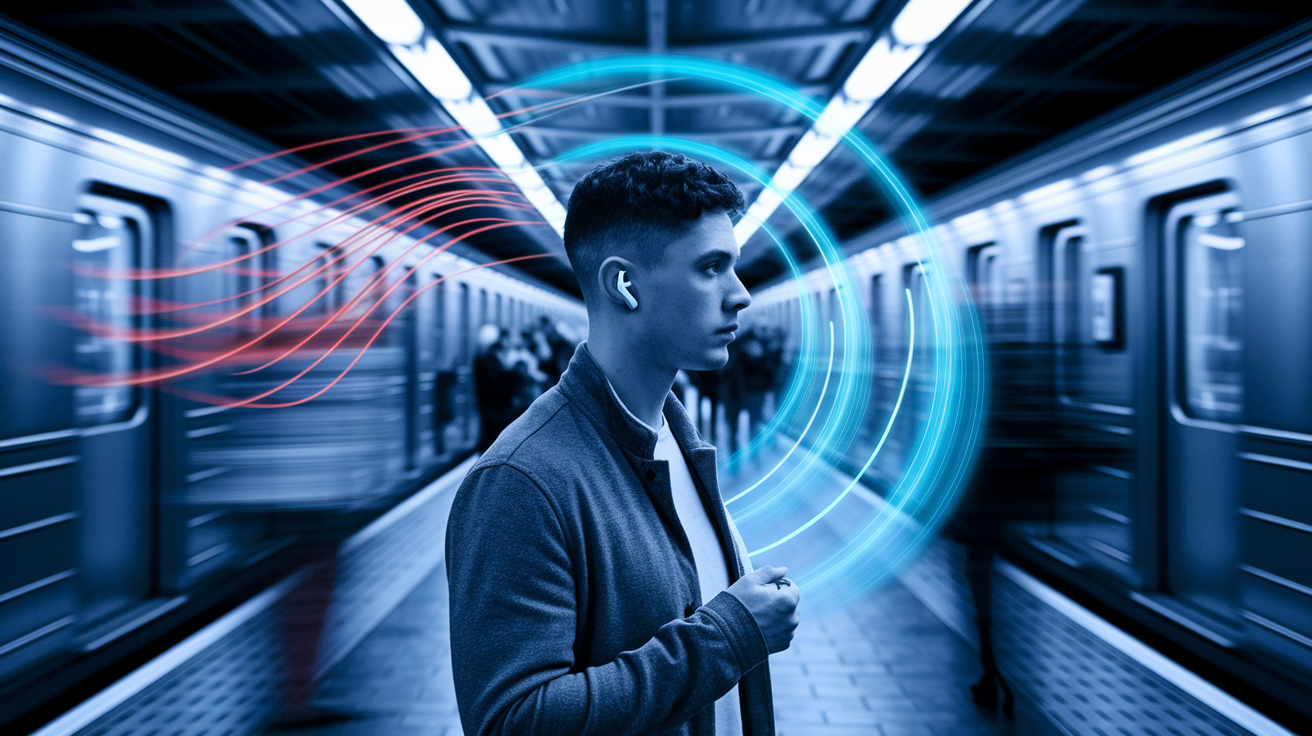
Active noise cancellation uses microphones to sample outside noise and plays an inverted waveform to cancel it. Three main types exist: feedforward ANC (external mics only, simpler and cheaper), feedback ANC (internal mics, better at low frequencies but prone to feedback), and hybrid ANC (both external and internal mics for broader cancellation range). Effective ANC typically reduces low-frequency rumble (airplane engines, train hum, air conditioner drone) by 15 to 30 dB. That’s enough to make a noisy commute feel quieter, but don’t expect total silence. Voices, high-pitched sounds, and sudden noises break through. The Bose QuietComfort II earbuds are marketed as best-in-class for noise cancellation, while budget models like the Edifier NeoBuds Pro offer weaker ANC that struggles with anything beyond steady hum.
ANC adds bulk, cost, and battery drain. Larger housings are needed to fit extra microphones and processing chips, which makes ANC earbuds heavier and sometimes less comfortable for long wear. Battery life drops when ANC is active—1 to 2 hours less is common. If you don’t commute or fly often, you might not need ANC at all. Passive isolation from a good ear-tip seal can block plenty of mid and high frequencies without the power penalty.
Transparency or ambient mode uses the same external microphones to pipe outside sound into your ears, letting you hear announcements, traffic, or conversations without removing the earbuds. Quality varies wildly. Some implementations sound natural and clear. Others introduce hiss, echo, or robotic artifacts. The Edifier NeoBuds Pro ambient mode has noticeable hiss, while premium models offer adjustable levels so you can dial in just enough awareness. The Bowers & Wilkins PI7 offers only on/off ANC with no intermediate adjustment, limiting flexibility. Test transparency mode if you plan to use it regularly, because bad ambient passthrough is worse than just popping out an earbud.
Earbud Fit, Comfort, and Ear-Tip Selection for Long-Term Wear
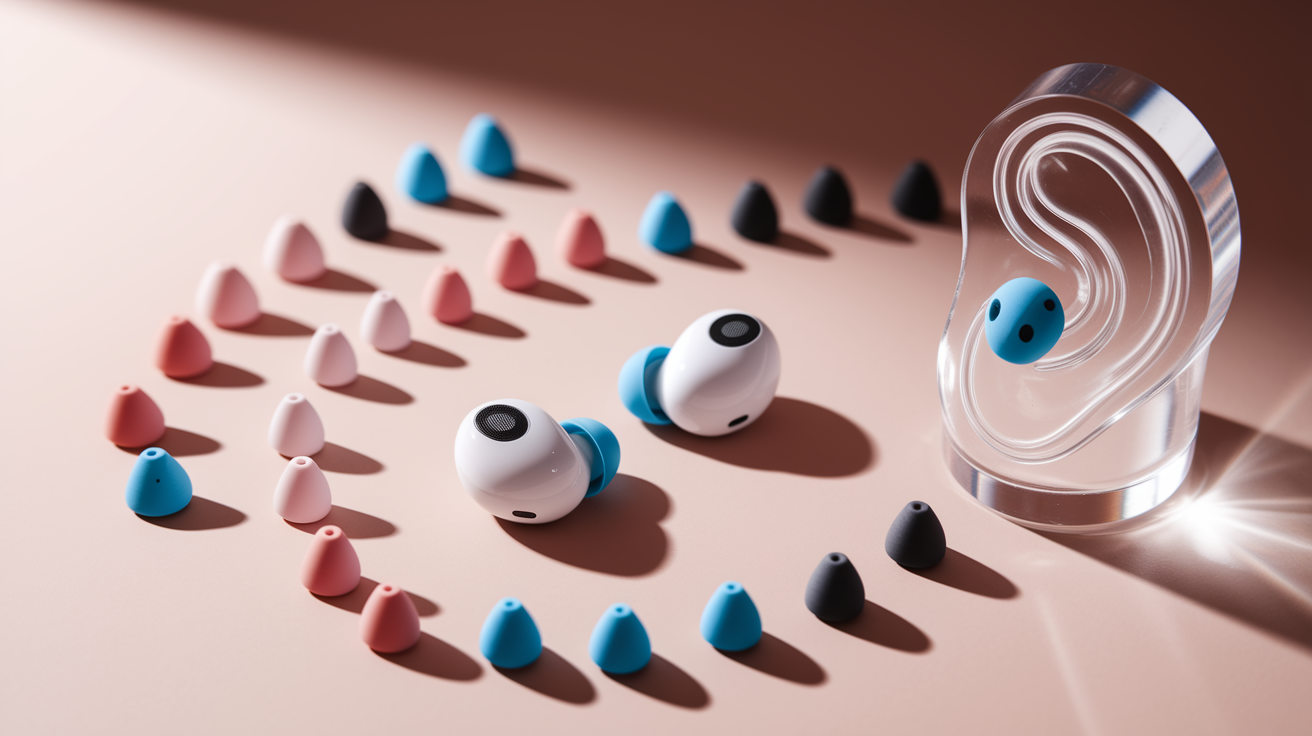
Fit determines whether earbuds stay put during activity and whether they isolate sound properly. In-ear sealed designs use silicone or foam tips that wedge into your ear canal, creating a physical barrier that blocks outside noise and anchors the earbud. Open-ear designs, like the Sony LinkBuds with their distinctive open-ring driver, sit outside the canal and let ambient sound through—comfortable for all-day wear but zero isolation. Secure-fit models add silicone fins or wings that hook into the outer ear. The Beats Fit Pro uses this design to lock in place during workouts. Weight matters for comfort: 4 to 8 grams per earbud is the target for lightweight, all-day wear, while anything over 10 grams can cause fatigue or fall out more easily.
Multiple ear-tip sizes are essential. Most earbuds ship with at least three sizes (small, medium, large). Premium models like the Edifier NeoBuds Pro include seven sets to dial in the perfect seal. A poor seal means weak bass response, excessive outside noise, and earbuds that wiggle loose. Companion apps on some models, like Sennheiser’s Adaptable Acoustics, run fit tests using the built-in microphones to confirm you’ve achieved a good seal. If the supplied tips don’t work, aftermarket foam or silicone tips are available, but be careful. Thicker third-party tips might prevent the charging case lid from closing.
Ear-Tip Materials and Fit Impact
Silicone tips are durable, easy to clean, and maintain their shape, but they can feel slippery or uncomfortable during long sessions. Memory-foam tips compress when you insert them, then expand with body heat to fill your ear canal and create a superior seal—better passive isolation and bass response. Foam degrades faster than silicone, needs regular replacement, and takes a moment to compress before insertion. The seal directly affects bass: insufficient seal lets low frequencies escape, making music sound thin. Aftermarket tips from brands like Comply or SpinFit can improve comfort and isolation, but measure your earbud nozzle diameter and case clearance first to avoid compatibility problems.
Practical fit-testing steps you can try:
- Shake your head side to side and tilt forward. Earbuds should stay secure without adjustment.
- Play bass-heavy music and gently pull one earbud slightly away from your ear. Bass should noticeably weaken, confirming a good seal.
- Wear the earbuds for 30 to 60 minutes during your intended activity (walking, running, sitting) to check for pressure points or soreness.
- Test passive isolation by playing no music in a moderately noisy room. You should hear significantly less external sound with earbuds in and sealed.
Evaluating Bluetooth Connectivity, Codecs, and Latency
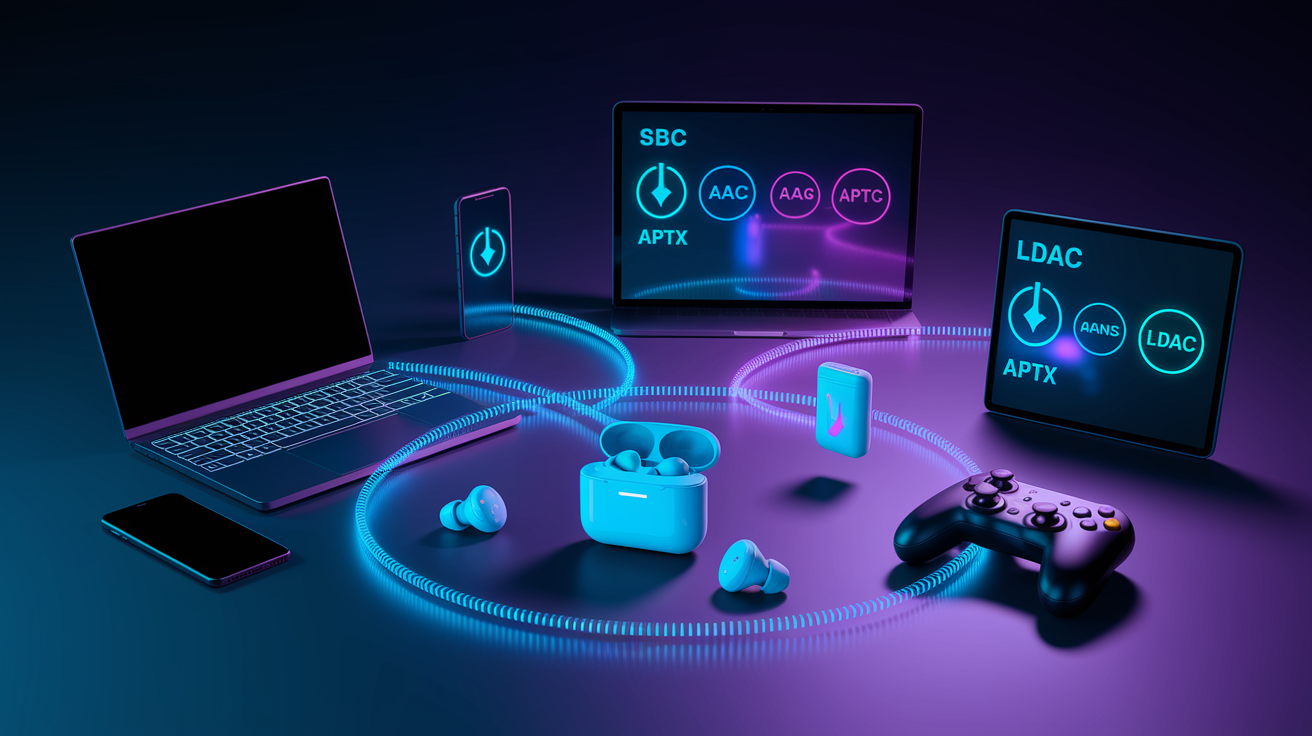
Bluetooth version affects range, stability, and power efficiency. Bluetooth 5.0 is the baseline today, offering roughly 10 meters of practical indoor range and better coexistence with other wireless devices. Bluetooth 5.2 and 5.3 (like the Bose QuietComfort II) add improved connection stability, lower latency options, and better battery efficiency. Real-world range depends on obstacles like walls, people, interference, but you should expect stable connection across a typical room and into adjacent spaces. Multipoint pairing lets earbuds connect to two devices simultaneously (for example, laptop and phone), switching audio sources automatically. Essential if you jump between work calls and personal music.
Codec support determines audio quality and latency over the Bluetooth link. Every earbud supports SBC, the lowest-common-denominator codec with moderate quality and noticeable compression artifacts. AAC is the step up, widely used by Apple devices and offering better quality than SBC on iPhones and iPads. AptX and aptX Adaptive (Qualcomm standards) are common on Android devices, delivering lower latency and higher fidelity. AptX Adaptive dynamically adjusts bitrate based on connection quality. LDAC, developed by Sony, pushes even higher bitrates (up to 990 kbps) for near-lossless quality on compatible Android phones. The new LC3 codec, part of Bluetooth LE Audio, promises better efficiency and quality at lower bitrates but isn’t yet widespread. Your phone or source device must support the codec for you to benefit. Buying LDAC earbuds won’t help if your iPhone only transmits AAC.
Latency is the delay between video or game action and the sound you hear. Standard Bluetooth introduces 100 to 200 milliseconds of lag, noticeable when watching videos or gaming. Low-latency modes, often branded as “gaming mode,” reduce delay to 40 milliseconds or less, keeping audio in sync. AptX Adaptive and aptX Low Latency codecs automatically minimize lag. If you watch a lot of video or play mobile games, confirm the earbuds offer a dedicated low-latency mode and test it, because some implementations still lag noticeably.
| Codec | Benefit | Ideal Use Case |
|---|---|---|
| SBC | Universal compatibility, baseline quality | Any device; fallback when others unavailable |
| AAC | Better quality than SBC, efficient on iOS | iPhone, iPad, Mac users |
| aptX | Higher fidelity, lower latency than AAC | Android devices with Qualcomm chips |
| aptX Adaptive | Dynamic bitrate, very low latency option | Gaming, video streaming, high-quality music on Android |
| LDAC | Up to 990 kbps, near-lossless quality | Audiophile listening on compatible Android devices |
| LC3 | Bluetooth LE Audio standard, better efficiency | Future-proofing; limited device support in 2023–2024 |
Microphone Performance and Call Quality Standards in Earbuds
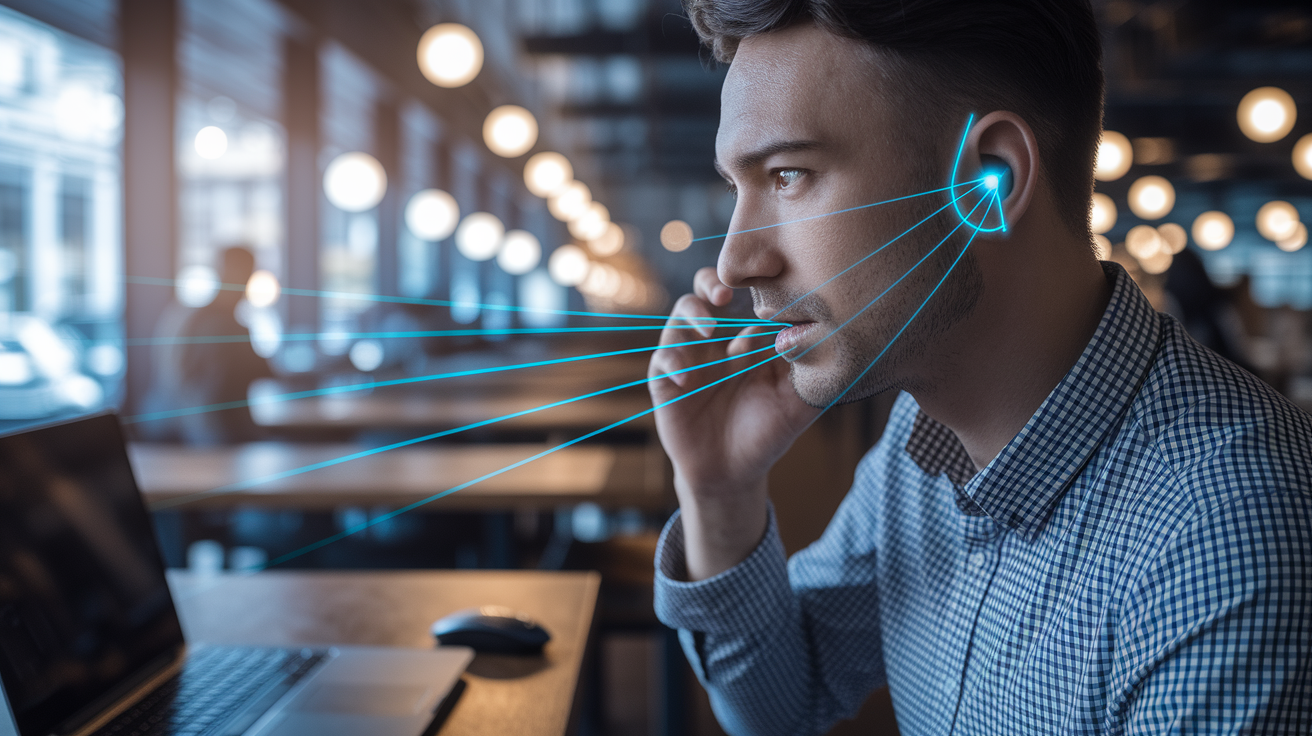
Call clarity depends on microphone count, placement, and noise-suppression algorithms. Entry-level earbuds use a single microphone per earbud. Mid-range models pack 2 to 4 mics, and premium units like the Jabra Elite 85t use 6 total microphones with dedicated wind protection. Beamforming uses multiple mics to focus on your voice and reject background noise, dramatically improving clarity in noisy environments. Environmental noise cancellation (ENC), sometimes branded as CVC (Clear Voice Capture), applies digital filtering to remove ambient sounds like keyboard clatter, traffic, café chatter, so the person on the other end hears you clearly. These features are essential for remote work or frequent phone calls. Without them, callers will ask you to repeat yourself constantly.
Wind handling separates good call mics from frustrating ones. Even a light breeze creates loud buffeting noise on unprotected microphones, making outdoor calls nearly impossible. Look for earbuds that explicitly mention wind-noise reduction or mesh-covered mic ports. Open-ear designs, which leave the ear canal open, allow more environmental noise to reach your ear and the microphone, reducing call privacy and clarity. Test call quality in your typical environments—office, street, car—before committing, because spec sheets rarely tell the full story.
Key microphone features to prioritize:
- Mic count: 2 to 4 mics per earbud for effective beamforming and noise rejection.
- Beamforming technology: directs focus to your voice, reducing pickup of surrounding sounds.
- Wind protection: physical mesh covers or algorithmic wind-noise suppression for outdoor use.
- ENC algorithms: digital noise cancellation that filters out background hum, traffic, and keyboard noise during calls.
Evaluating Durability and Water Resistance Ratings for Earbuds
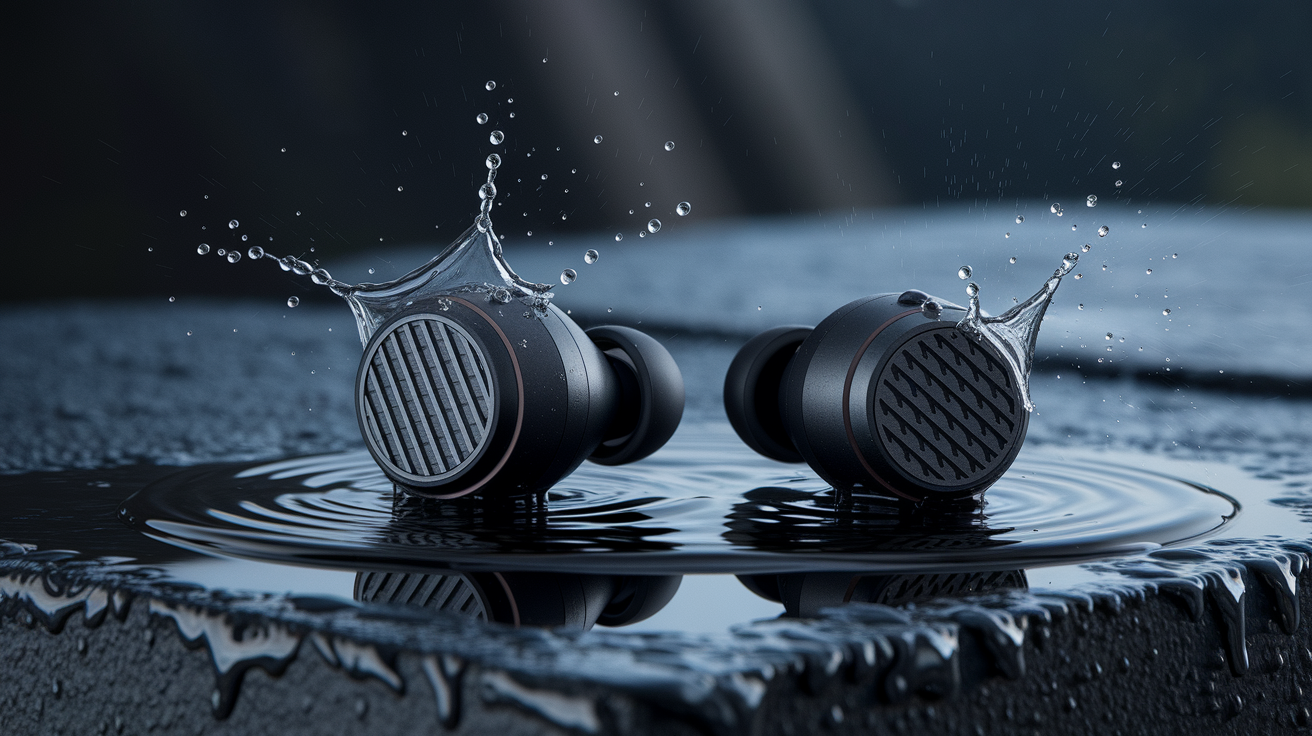
IP ratings tell you exactly how much water and dust an earbud can handle. The first digit (0 to 6) covers solid particle ingress. The second digit (0 to 9) covers liquid ingress. IPX ratings drop the dust score and focus only on water. IPX4 means protection against splashing water from any direction—fine for sweat during workouts or light rain, but not submersion. IPX5 and IPX6 protect against water jets, useful for heavy sweat or accidental hose spray. IPX7 allows submersion in up to 1 meter of water for 30 minutes—serious protection for swimmers or clumsy users. Full IP ratings like IP54 (dust protection plus splash resistance) are common on rugged sport models like the Sennheiser Sport and Bowers & Wilkins PI7. The Audio-Technica ATH-CK3TW carries only IPX2, barely enough for light sweat, making it a poor choice for active use.
Build quality and materials matter beyond the IP rating. Cheap plastics crack, hinges break, and coatings peel. Premium earbuds use reinforced housings, metal grilles, and hydrophobic nano-coatings on internal components to survive drops and moisture over years of use. The charging case sees even more abuse like pockets, bags, drops, and weak hinges or flimsy lids are common failure points. If you plan to use earbuds daily for sports, commuting, or travel, prioritize at least IPX5 for the earbuds and a robust case design, even if it costs a bit more upfront.
Charging Case Features, Portability, and Extra Functions
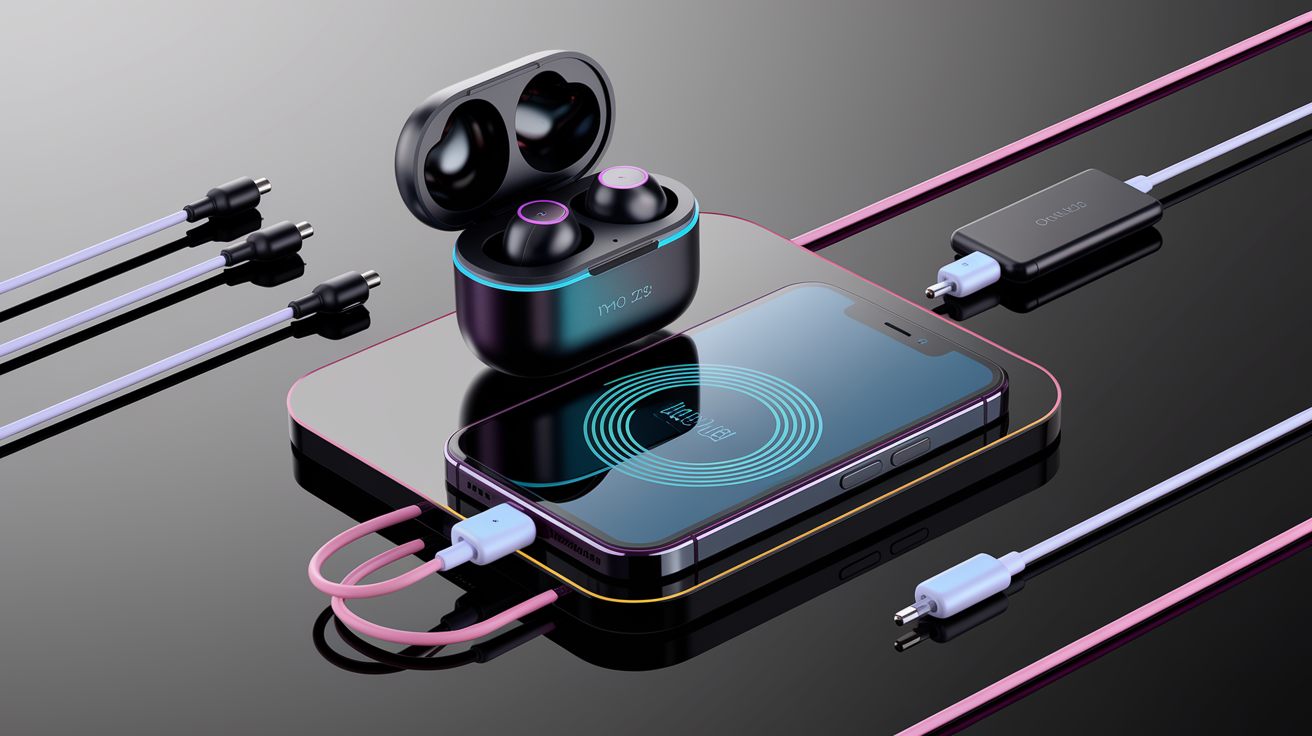
Charging cases range from 300 to 800 mAh capacity, determining how many full earbud recharges you get before needing to plug in the case itself. A 500 mAh case might recharge 50 mAh earbuds eight or nine times in theory, but real efficiency losses mean 3 to 4 practical top-ups. USB-C is now the standard connector, faster and more universal than the older microUSB. A few Apple-ecosystem models still use Lightning. Wireless Qi charging adds convenience, because you can drop the case on a charging pad instead of fumbling for cables, but it charges slower (often taking 2 to 3 hours for a full case charge versus 1 to 1.5 hours wired). Models from Jabra and LG commonly include Qi support. Budget earbuds skip it to cut costs.
Some cases offer unique extras. The Bowers & Wilkins PI7 case doubles as a Bluetooth audio transmitter: plug a USB-C or 3.5 mm cable from your TV or airplane seat into the case, and it streams audio wirelessly to the earbuds, bypassing the need for the source device to have Bluetooth. The Tribit Flybuds 3 case works as a portable power bank to charge your phone in a pinch. The LG Tone Free uses UV nano technology inside the case, claiming to kill 99.9 percent of bacteria on the earbud tips during charging—unverified by independent labs, but a nice idea if you share earbuds or care about hygiene. Case durability is critical. Pay attention to hinge strength and lid fit, because a broken case renders your earbuds useless even if the buds themselves still work.
Top case features to prioritize:
- Charging performance: fast-charge capability (5 to 15 minutes for 1 to 3 hours playback), USB-C input, and optional wireless Qi charging for convenience.
- Durability: robust hinge design, secure magnetic earbud retention, and materials that resist scratches and drops during daily carry.
- Portability: compact size that fits comfortably in a pocket or small bag, with total weight (case plus earbuds) under 60 grams for true portability.
Price Tiers, Value, and Brand Reliability When Shopping for Earbuds
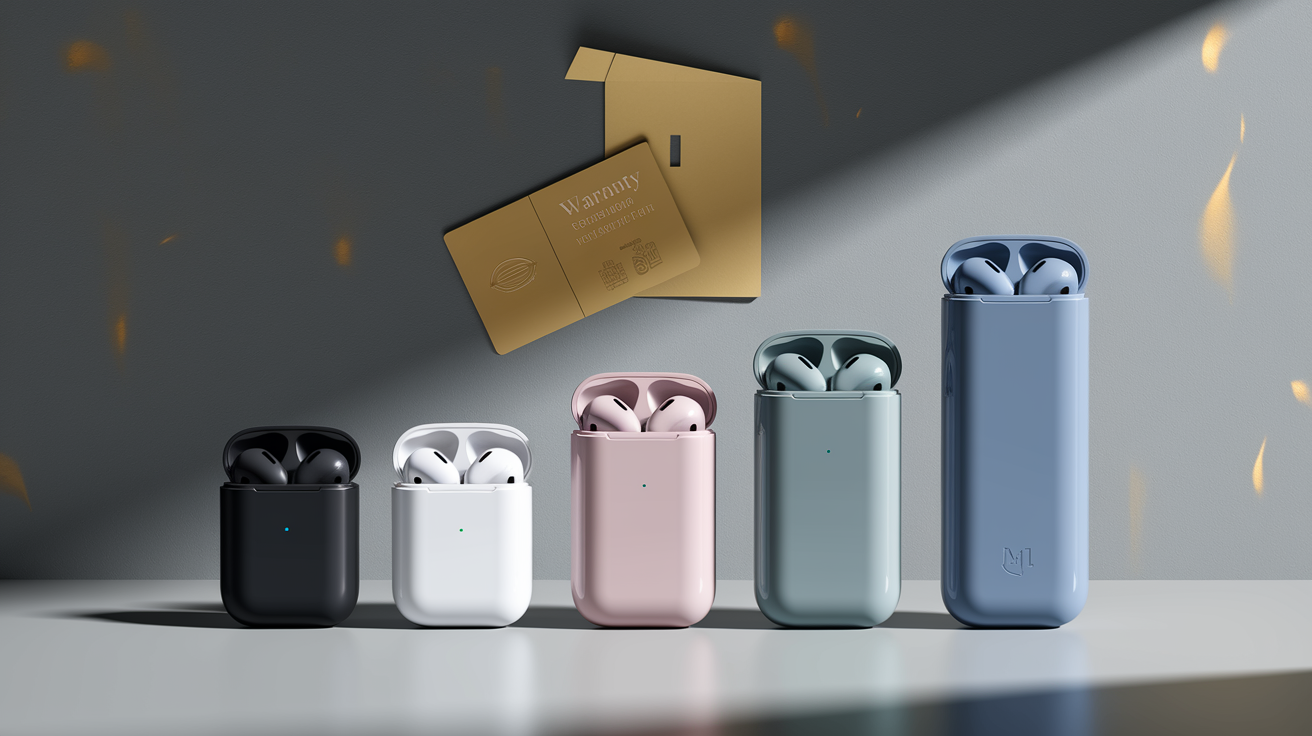
Budget earbuds under 50 dollars deliver basic Bluetooth audio with SBC codec, minimal or no ANC, and battery life around 4 to 6 hours per charge. Build quality is hit-or-miss, and you sacrifice features like multipoint pairing, app customization, and premium materials. The Tribit Flybuds 3 at 39 dollars (55 Canadian) punches above its weight with 100 hours total battery, but sound tuning and call quality lag far behind mid-range models. If you need cheap backup earbuds or don’t care about fidelity, this tier works. For daily drivers, expect frustration.
Value models between 50 and 150 dollars add better fit options, AAC or aptX codec support, basic ANC, and 6 to 10 hour battery life. App-based EQ and firmware updates become common. Brands in this range include Edifier, some Jabra models, and second-tier names. You get significant improvements over budget earbuds without paying flagship prices. Mid-range earbuds from 150 to 250 dollars offer solid hybrid ANC, multipoint connectivity, improved microphone arrays for calls, 8 to 12 hour battery, and wireless charging. Examples include the Jabra Elite series and many sport-focused models. This tier balances performance and cost for most users.
Premium earbuds priced 250 to 400 dollars deliver advanced ANC (20 to 30 dB reduction), aptX Adaptive or LDAC codec support, refined driver tuning, superior build quality, and cases that add 20 to 40 hours of total runtime. Bose QuietComfort II, Bowers & Wilkins PI7, and high-end Sony models occupy this space. You pay for brand reputation, better materials, longer warranty coverage, and firmware support that extends the product’s useful life. Flagship earbuds over 400 dollars push every spec to the limit—highest-end ANC, multi-device seamless switching, custom driver tuning, and extended warranties or upgrade programs. Whether the incremental gains justify the cost depends on your priorities and budget.
Brand reliability includes warranty length, return policies, and firmware update commitment. Look for at least 12 months of manufacturer warranty. Premium brands often offer 2 years. A 30-day return window lets you test fit and performance risk-free, and some retailers extend this to 60 or 90 days. Firmware updates fix bugs, improve ANC algorithms, and sometimes add new features. Brands that abandon products after launch leave you stuck with launch-day performance forever. Research user reviews for long-term durability and battery degradation. A model with rave reviews at launch but widespread failures at 18 months is a poor investment.
| Tier | Price (USD) | What to Expect |
|---|---|---|
| Budget | Under $50 | Basic Bluetooth, SBC codec, 4–6 hours battery, no or weak ANC, limited durability and support |
| Value | $50–$150 | Improved fit, AAC or aptX codecs, basic ANC, 6–10 hours battery, app EQ, better materials |
| Mid-range | $150–$250 | Solid ANC, multipoint pairing, 8–12 hours battery, wireless charging, 2–4 mic arrays for calls |
| Premium | $250–$400 | Advanced hybrid ANC, aptX Adaptive or LDAC, superior driver tuning, 20–40 hours total, extended warranty |
| Flagship | Over $400 | Best-in-class ANC, multi-device switching, custom tuning, premium materials, long-term firmware support |
Best Earbud Features to Prioritize Based on Your Personal Use Case
Sports and workouts: Secure fit tops the list. Look for fins, wings, or hook designs like the Beats Fit Pro that lock into your outer ear. Water and sweat resistance of at least IPX5, and ideally IPX7, protects against drenching sweat and accidental splashes. Battery life around 6 to 10 hours per charge means you won’t need to recharge between gym sessions or long runs. Low latency matters if you watch workout videos or follow along with training apps. Skip heavy ANC models. The extra weight and bulk make them uncomfortable during intense movement, and you often want some ambient awareness for safety.
Commuting and travel: Strong ANC is non-negotiable. Target 20 dB or more of low-frequency noise reduction to silence train rumble, bus engines, and airplane drone. Comfortable fit for multi-hour wear, ideally with memory-foam tips, prevents soreness. At least 8 hours of battery per charge plus 20 to 30 hours in the case covers long travel days without hunting for outlets. Transparency mode lets you hear announcements or gate changes without removing the earbuds. Compact, durable case matters when you’re stuffing it into carry-on bags or coat pockets repeatedly.
Calls and remote work: Microphone count and quality make or break this use case. Prioritize 2 to 4 mics per earbud with beamforming and environmental noise cancellation. Wind protection is essential if you take calls outdoors. Multipoint pairing lets you stay connected to your work laptop and personal phone simultaneously, switching seamlessly when a call comes in. Stable Bluetooth connection (5.2 or newer) prevents dropouts during important meetings. ANC helps you focus in noisy home offices, but call mic quality is the top priority here.
Long flights and extended listening sessions: Battery endurance becomes critical—8 to 12 hours per earbud charge, plus a case that adds 20 to 40 hours total, keeps you covered on intercontinental flights or all-day use. Comfort for hours of wear means lightweight earbuds (under 6 grams each) and memory-foam tips that don’t create pressure points. Strong ANC and good passive isolation let you tune out engine noise and crying babies. Fast-charge capability (5 to 10 minutes for 1 to 2 hours playback) saves you during layovers when you forgot to charge overnight.
Audiophile and high-fidelity listening: Codec support matters most here. LDAC or aptX Adaptive on compatible Android devices unlocks near-lossless streaming quality. Look for low total harmonic distortion (under 0.5 percent, ideally under 0.1 percent) and detailed frequency response specs. App-based parametric EQ lets you tune the sound signature to your preference. Larger drivers (10 to 12 mm) or hybrid balanced-armature designs often deliver better soundstage and instrument separation. Fit and seal are critical for bass response, so memory-foam tips and a proper seal prevent low frequencies from leaking. Accept trade-offs: the best-sounding earbuds often sacrifice battery life, water resistance, or ANC performance to prioritize audio fidelity.
Final Words
You’ve run through the checklist: sound, battery, fit, Bluetooth, codecs, ANC, mic, case, and durability—plus price and brand support.
We also covered measurable benchmarks—earbud hours, case hours, ANC dB, Bluetooth versions, and codec tiers—so you can compare specs, not marketing.
Use this checklist as your shopping blueprint—it’s exactly what to look for when buying true wireless earbuds: match features to your daily use, test the fit, and check returns and warranty. You’ll end up with earbuds that actually work for you.
FAQ
Q: What should I prioritize when choosing true wireless earbuds?
A: When choosing true wireless earbuds, prioritize sound quality, battery life, fit, Bluetooth stability, microphone performance, ANC, water resistance, and charging case capacity to match how and where you’ll use them.
Q: How do I judge sound quality beyond specs?
A: To judge sound quality beyond specs, listen for balanced bass, clear mids, and crisp highs; check codec support (LDAC/aptX), driver type, and THD under 0.5%, and test with your favorite tracks.
Q: What battery life and charging should I expect?
A: You should expect 4–12 hours per earbud and 15–40 extra hours from the case; fast‑charge often gives 1–3 hours from a 5–15 minute charge, and ANC reduces runtime.
Q: How effective is ANC and what trade-offs exist?
A: ANC effectiveness typically ranges 15–30 dB; it reduces low‑frequency noise but costs battery and can change sound. Try hybrid or adaptive ANC and compare transparency modes for situational awareness.
Q: How important is fit and ear‑tip choice?
A: Fit and ear‑tip choice drive comfort, seal, and bass. Try silicone and memory‑foam tips, aim for 4–8 grams per bud, and ensure aftermarket tips don’t stop the case from closing.
Q: Which Bluetooth version and codec should I look for?
A: Look for Bluetooth 5.0–5.3 for stable range (~10 m); pick codecs by device: AAC for iPhone, aptX/Adaptive for low latency, LDAC for high‑bit audio quality where supported.
Q: What latency matters for gaming and video?
A: For gaming and video, target latency under about 40 ms; use aptX Adaptive or designated low‑latency modes and test with game/video playback to confirm sync.
Q: How do I evaluate microphone quality for calls?
A: To evaluate microphone quality, look for 2–4 mic arrays, beamforming, ENC and wind protection; test calls in noisy spots and check reviews for outdoor clarity.
Q: What IP rating do I need for sports or commuting?
A: Choose IPX4 for sweat and commuting, IPX5–6 if you need stronger splash resistance, and IPX7 if you plan immersion or heavy rain; higher ratings suit sports and outdoor use.
Q: What charging case features matter?
A: Prioritize case capacity (300–800 mAh), USB‑C and wireless charging support, durable hinge, compact size, and extras like power‑bank or dongle modes for travel convenience.
Q: How should price tiers affect my choice and warranty expectations?
A: Use price tiers to set expectations: under $50 basic, $50–$150 value, $150–$250 midrange, $250–$400 premium; expect firmware updates, 12‑month warranty, and a try period when possible.
Q: Which features should I prioritize for specific use cases?
A: Match features to use cases: sports—secure fit and IPX5–7; commuting—ANC ~20 dB+; calls—2–4 mics with ENC; travel—8+ earbud hours and 20–30 case hours; audiophile—LDAC/aptX Adaptive and THD <0.5%.